
One path. Endless possibilities.
Student Launch Path gives students one clear place to begin. Open the candle and move toward the help that fits your next step, whether that means learning, advancing, preparing, or achieving. No sign up is required to explore the candle. If you choose to go further with a specific resource, that's between you and them, not us, unless you want to claim the candle as your own.
LAUNCH
PATHLAUNCH
YOUR
CAREER
Just resources we believe are useful.
Every resource in Lightway, Gateway and Doorway is selected solely for student usefulness, and placement or ranking in those three doors cannot be purchased. Reserved strategic and sponsored relationships appear only in the Keeper door and are labeled there.
Choose what you need now.
Student Launch Path is not another directory to search through, and it is not a form to fill out. Every path below, Learn, Advance, Prepare, Achieve, opens onto real, curated destinations inside the candle itself, not another page on this site. Tap the one that matches where you are right now, and the candle takes you the rest of the way.
The website explains. The candle connects.
The useful destinations live inside the Student Launch Path candle itself, organized so you can move from a question to action in one tap. Every destination links straight to that provider's own site, nothing here is paywalled, and nothing requires a login just to look around.
Open the candle. Choose your next move.
The Student Launch Path candle is the actual gateway to the curated destinations. There are only two ways in: scan the QR code, or open the link if one was sent to you. No account, no email confirmation, no identifying yourself. Once you have it, extinguish the flame, then tap the CandleMe logo twice, that takes you straight to the Keeper door, where you can keep it, share it, explore it, or learn more. Save it to your home screen and it stays with you: no bookmarks to remember, no separate list of links, just one place, beautiful to access, whenever you need it.

Select your university to activate your candle.
Tap the CandleMe logo twice.
Once the flame is extinguished, tap the CandleMe logo twice. That takes you directly to the Keeper door, the candle's control point for what comes next.
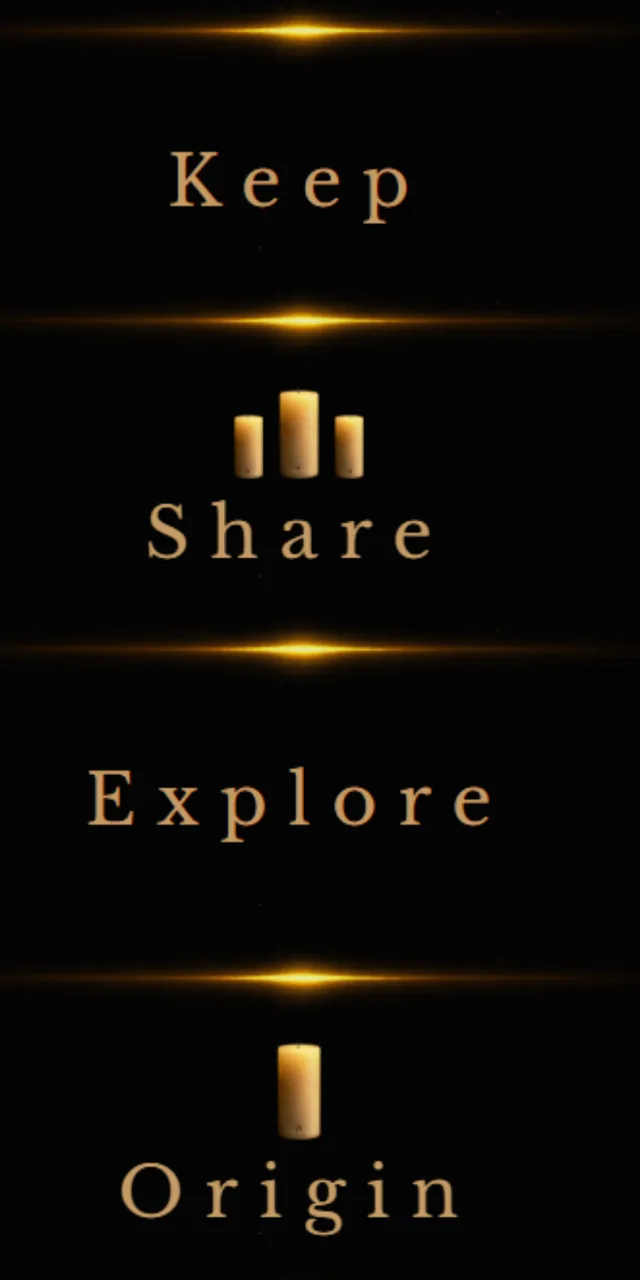
From there you can Keep, Share, Explore, or open Origin, and move into the other doors and destinations when you need them.
Easy to remember.
Easy to share.

Four simple moves.
- Your candle arrives lit. When you're ready, extinguish the flame.
- Tap the CandleMe logo twice. That takes you straight to the Keeper door, where Keep, Share, Explore, and Origin all appear at once.
- Explore is where the resources live, the paths that match what you need right now.
- Share it with a friend in person, or send it by link, email, text, or WhatsApp.
Simple. Easy to remember. Easy to share.
Choose what happens next.
Once you enter the Keeper door, each option has a different purpose. Keep shows the candle's history and what it has generated. Share passes it forward. Explore opens the resources and pathways. Origin shows where the candle came from and how it connects to CandleMe.
This candle is yours now. Here's its story so far.
Keep shows you everything this candle has done since you got it: who you've shared it with, how many new candles it has led to, and how far it's traveled. You can also save it straight to your home screen from here, so it's always one tap away.
What this candle actually is.
Student Launch Path runs on CandleMe, a persistent candle experience, not a one time link. Once a candle exists, it stays active: you can return to it, keep it, and share it, and it keeps working. There's nothing to sign up for, nothing to pay, and nothing you need to do beyond tapping in. This is simply where you can learn more about what the candle is and everything it can do.
Every candle has a story. Every flame has a lineage. Every light is connected.
Built and operated by IDDAS Technologies L.L.C. Patent-pending participation infrastructure.
Nothing to set up. Something real to show.
Student Launch Path costs nothing to share and requires no new system, login, or integration on your end. If you'd like to see how it's actually being used on your campus, we can send you a report, monthly if that's useful. Hand it out once. It keeps working.
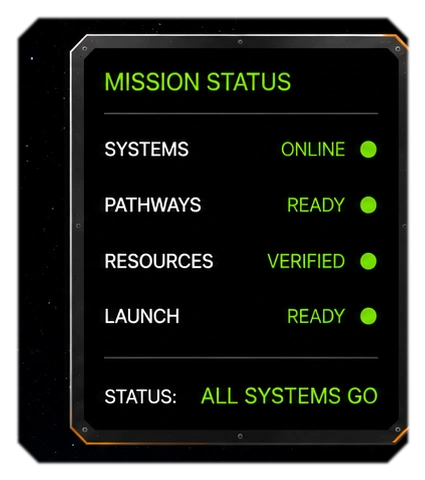
A live read on the flight.
The resources live beyond the candle.
Explore does not drop students into one long directory. It opens distinct paths so the next step feels understandable: Lightway for learning and early-career direction, Gateway for academic, funding, and housing needs, and Doorway for practical next-step tools. The candle stays available throughout, so students can return whenever their needs change.
Useful destinations, organized by need.
Keeper
- Student Launch PathThis page
- Strategic partner
- Featured resource
Lightway
- Jobs and internships
- Career exploration
- Skills and credentials
Gateway
- Paying for college
- Housing
- Learning beyond the classroom
Doorway
- Transfer and graduate school
- Study abroad
- Health and wellbeing
Everything you need to know.
Student Launch Path is meant to be simple. Tap a question to turn it over. Opening another closes the one before it.