
One path. Endless possibilities.
Stay on the family's phone after your work is done. Share one memorable candle that gives your students a trusted place for careers, transfer, scholarships and financial aid, with you first. Happy families pass it on, and their friends find you.
Your own Consultant Candle.
Sign up below and your Candle is ready at once, with your own page first inside it. Share it with families from your phone. Saving to Wallet is optional.
Free. No credit card required.

Your candle stays on your phone.
Open it anytime to explore the resources, or show your Candle at a meeting so a student or parent can scan their own. Your share link stays close at hand.
Your families keep their own.
Each student's candle stays on their phone too. Once you set up your page, it comes first inside their candle, so they can always reach you, and so can the friends they share it with.
 CandleMe
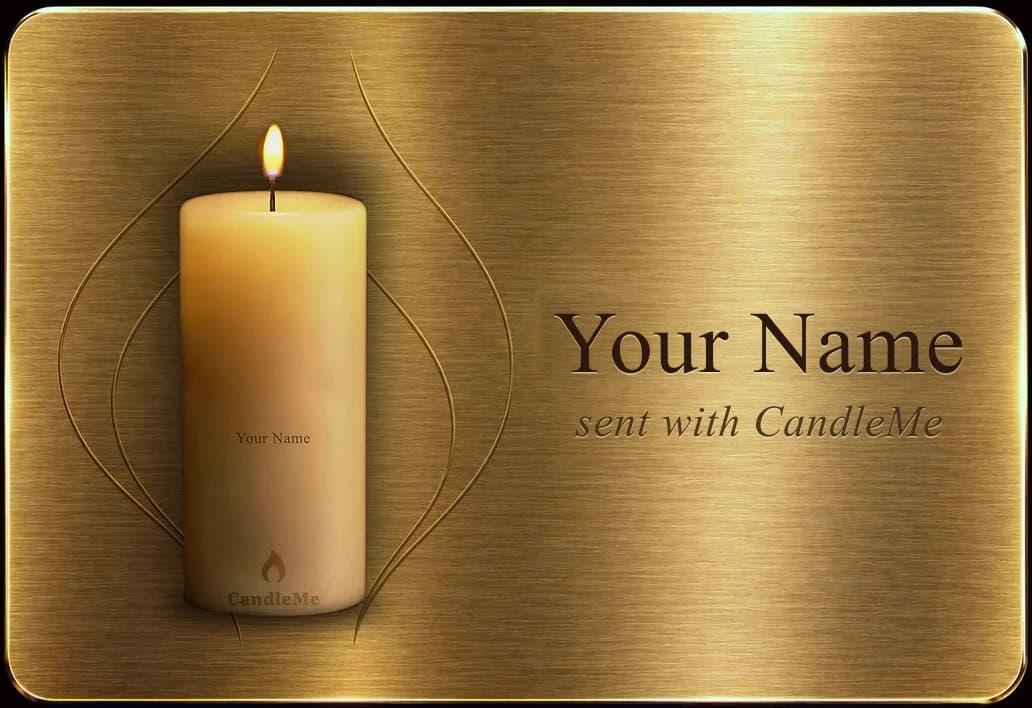
Just resources we believe are useful.
Every resource in Lightway, Gateway and Doorway is selected solely for student usefulness, and placement or ranking in those three doors cannot be purchased. Reserved strategic and sponsored relationships appear only in the Keeper door and are labeled there.
Stay with the family after the work is done.
Your work ends. The student's questions do not. The candle gives them one trusted place to come back to, with you first and resources selected by Student Launch Path after you. Every resource opens the provider's own site. No login, no searching.
Something useful for your next meeting.
This section is for your benefit. Use these free links to check aid rules, compare colleges and point families to the right tools. They are separate from the twelve destinations you share with students inside the candle.
Test prep: For the SAT, ACT, TOEFL or IELTS, check the official test site for the current format and scoring before you plan practice.
Three simple steps.
- 01Share it
Give it at a meeting, or send it by link, email, text or WhatsApp.
- 02Open it
The student opens the lit candle and extinguishes the flame.
- 03Explore
Students decide what to explore, on their own schedule.
Students choose what they need next.
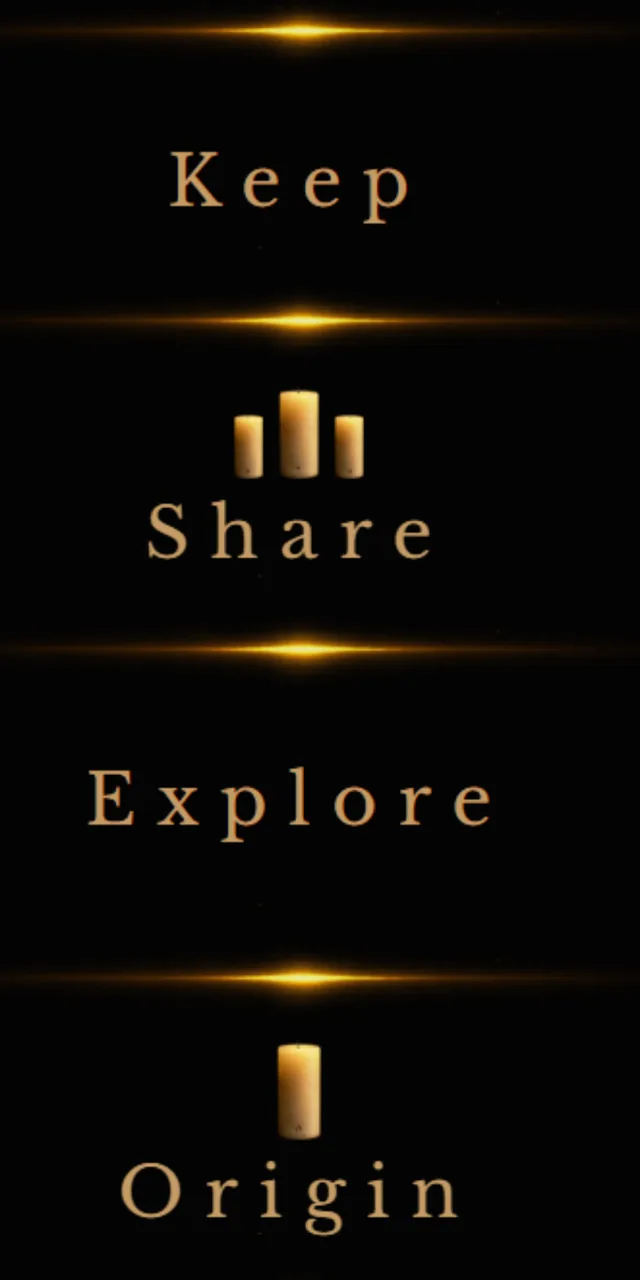
Once a student opens Keeper, four clear choices keep the experience simple. Keep saves the candle and its story. Share passes it forward. Explore opens the useful destinations. Origin explains where the candle came from.
Twelve useful destinations, organized by need.
Keeper
- You firstYour page: how to reach you and book again
- Strategic partner
- Featured resource
Lightway
- Jobs and internships
- Career exploration
- Skills and credentials
Gateway
- Paying for college
- Housing
- Learning beyond the classroom
Doorway
- Transfer and graduate school
- Study abroad
- Health and wellbeing
Everything you need to know.
Student Launch Path is meant to be simple. Tap a question to reveal the answer. Opening another closes the one before it.