
One path. Endless possibilities.
Help your students keep learning after the lesson ends. Share one memorable candle that gives them a trusted place to return for English practice, academic help and practical skills, wherever they are. No college, account or sign up is required.
Your own Teacher Candle.
Open your personal invitation to claim your Teacher Candle. Share Student Launch Path with students from your mobile Candle. Saving to Wallet is optional.
Lost your Teacher Candle, or locked out of it?
Recover my Teacher Candle
Your candle stays on your phone.
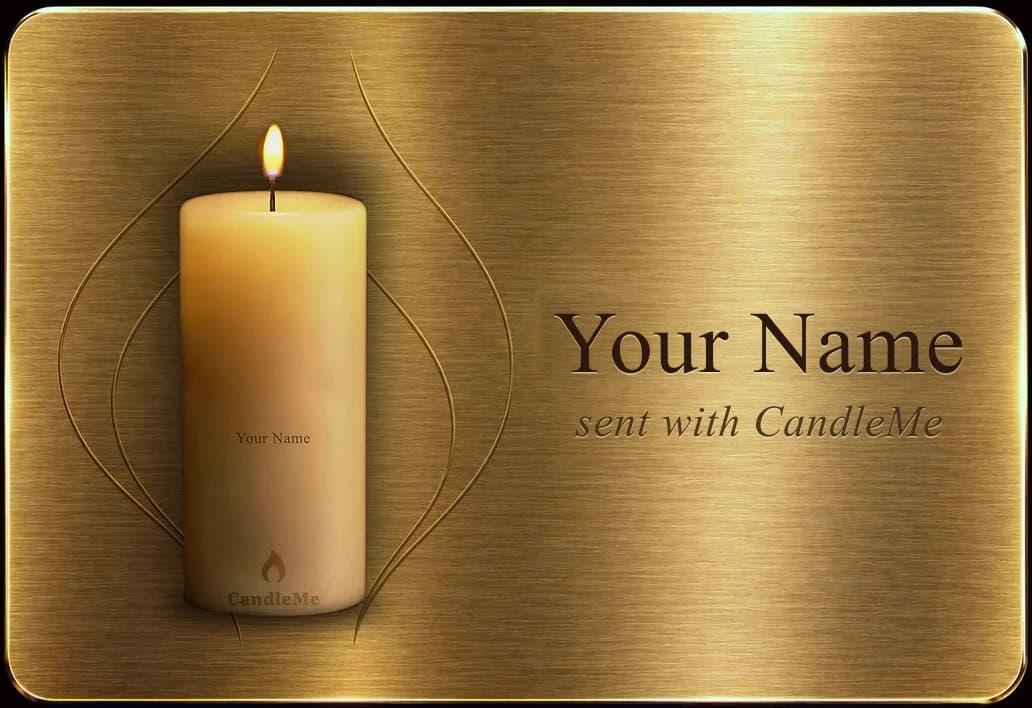
Open it anytime to explore the resources, or show your Candle in class so students can scan their own. Your share link stays close at hand.
Your students keep their own.
Each student's candle stays on their phone too. Once you set up your page, it comes first inside their candle, so they can always reach you.
 CandleMe
Just resources we believe are useful.
Every resource in Lightway, Gateway and Doorway is selected solely for student usefulness, and placement or ranking in those three doors cannot be purchased. Reserved strategic and sponsored relationships appear only in the Keeper door and are labeled there.
Give them somewhere to go when class is over.
On their own, students often don't know where to start. The candle gives them one trusted place to come back to, filled with resources selected by Student Launch Path, and every resource opens the provider's own site. No login, no searching.
Something useful for your next lesson.
This section is for your benefit. Use these free links to plan lessons, find classroom-ready material and prepare targeted practice. They are separate from the twelve destinations you share with students inside the candle.
Exam preparation: Use these materials for targeted skills practice, alongside the current format and scoring criteria for your students' exam.
Three simple steps.
- 01Share it
Give the candle in person, or send it by link, email, text or WhatsApp.
- 02Open it
The student opens the lit candle and extinguishes the flame.
- 03Explore
Students decide what to explore, on their own schedule.
Students choose what they need next.
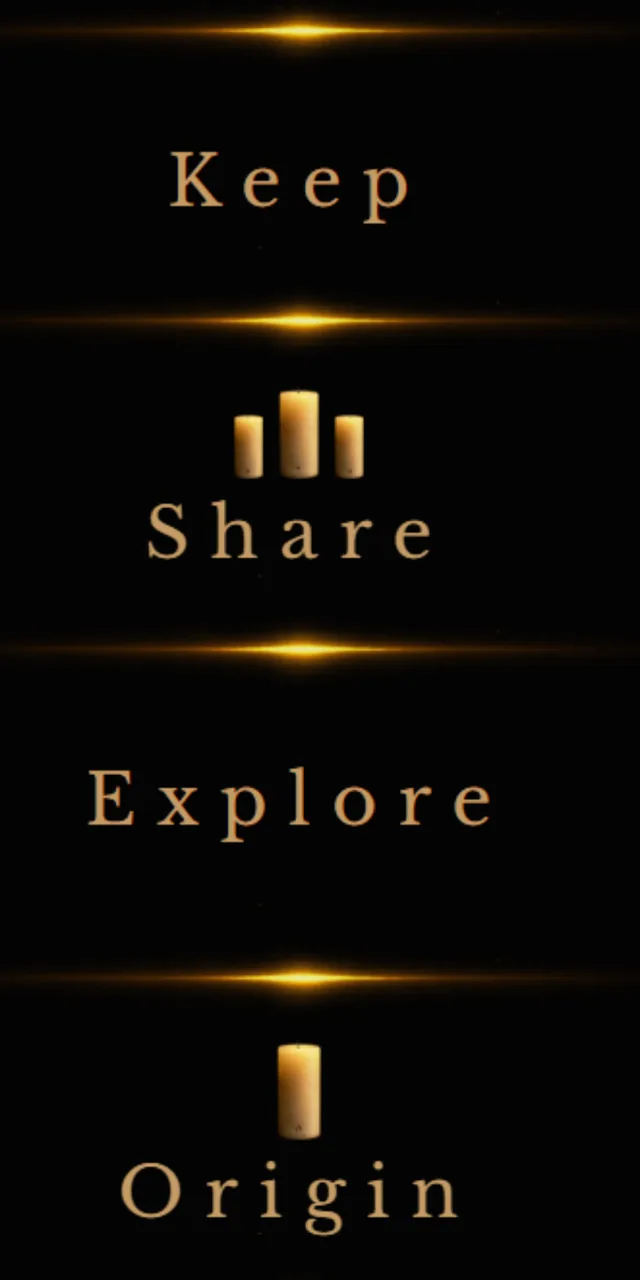
Once a student opens Keeper, four clear choices keep the experience simple. Keep saves the candle and its story. Share passes it forward. Explore opens the useful destinations. Origin explains where the candle came from.
Twelve useful destinations, organized by need.
Keeper
- Student resources
- TutorABC English ProgramsStrategic partner
- TutorABC Study AbroadStrategic partner
Lightway
- VOA Learning English
- Dictionary and Pronunciation
- TED-Ed and TED Talks
Gateway
- Khan Academy
- Free Books and AudiobooksProject Gutenberg and LibriVox
- Purdue OWL
Doorway
- GCFGlobal
- IBM SkillsBuild
- OpenStax
Everything you need to know.
Student Launch Path is meant to be simple. Tap a question to reveal the answer. Opening another closes the one before it.